
Name-Based Case Searches
Montcalm County's official Case Search instructions send the public to MiCOURT Case Search. On the name panel, Last Name or Business is required. First Name, Middle Name, and Birth Year stay optional under the SCAO form reference. The county also describes a full-name and birth-year path. But the official controls remain separate fields. Choose your court first. Never assume every Montcalm record sits in one court's index.
Remember that search results are informational only. A matching name still needs confirmation. Check the court, the case number, the case type, and the public event details. A partial match proves neither identity nor outcome. And a missing result may simply mean the wrong court was selected. It could also be a restricted case category, an older file, or a record outside public display.
- Open MiCOURT through the Montcalm County instruction route and select the relevant court.
- Enter Last Name or Business, then add first name, middle name, or birth year only when known.
- Run the documented Search action and identify any result by court and case number.
- Review public case history fields and the public status rather than assuming every document is available.
- Contact the responsible clerk to verify an older, limited, certified, or nonpublic-record question.
| Field label | Type | Required | Documented use |
|---|---|---|---|
| Selected court | Court selection | Yes | Choose 64B or the relevant Montcalm circuit or probate court when offered. |
| Last Name or Business | Text | Yes for the name panel | The documented name-search starting field. |
| First Name | Text | No | Optional field that can narrow a name search. |
| Middle Name | Text | No | Optional documented name field. |
| Birth Year | Year input | No | An optional qualifier; do not publish a full date of birth. |
| Year, Number, Type | Case-number fields | For number search | Three separate documented inputs for a court case number. |
Note: The official form also documents Show and Clear controls for the search panel, alongside the name and birth-year fields described above.
Selecting a Montcalm County Case Search Court
Court selection matters more here than most people expect. The 64B District Court handles traffic and civil infractions. It also takes adult misdemeanors, the district-court phase of adult felony cases, district civil cases, and small claims. The 8th Judicial Circuit Court holds felony trial records after bindover. Circuit civil matters sit there too. Divorce and other domestic-relations matters, equitable relief, and circuit appeals round out its docket. Probate, juvenile, and family-division records sit with additional custodians and their own access rules.
When the case type is unclear, the official Montcalm courts overview is the routing source. You can reach the 64B public route through the county page. The 64B MiCOURT selection is another entry point. But that entry point does not make 64B the custodian of every county record. An Ionia court in the same judicial circuit is not a Montcalm record custodian either.
Case Number Searches
A case-number search in MiCOURT uses three fields: Year / Number / Type. Enter the case year, the sequence number, and the case type. Then check which court you have selected. The type code matters. The same year and number could point to very different kinds of matters.
Michigan case-type codes are classifications, not conclusions. The official code sheet lists FY for district felony criminal, SM and OM for statute and ordinance misdemeanor criminal, and traffic or civil codes in separate categories. Keep a case-type code separate. It is not a charge, disposition, or judgment label when you read a docket.
Montcalm County Case Search Type Codes
Case type keeps a Montcalm docket search tied to the court's own classification system. MiCOURT lists public categories including Civil, Traffic, Criminal, Domestic, and Probate, subject to court and privacy rules. The statewide documentation treats case-type category and case type as filters or response vocabulary. The public interface may expose fewer filters. The developer documentation is not the court view. Do not count on a field until it appears in the court view you have.
In a case-number search, the type field is one of the three official parts. In name results, it helps separate a public traffic case. A circuit civil or criminal record is different. A code is not a narrative. The court, case number, public event date, and precise disposition label give context. That is what a docket reader needs.
Case Search Results Explained
A public Montcalm search result shows several fields. It may include the selected court, court code, case number, case-type category, filing date, public or suppressed status, party-role labels, event date, event label, and public hearing fields. A calendar result can add more. It covers the hearing date, time, action type, courtroom, judge, and public status. Amounts due or paid appear in the API vocabulary only when the system exposes them; they are not a balance statement from the clerk.
Case history is not the official record. MiCOURT itself calls the returned material informational. For a certified copy, an older file, a document image not visible online, or a question about a redacted field, turn to the court's clerk. Document titles and register-of-actions lines also follow public display and redaction rules.
| Case number | Year, number, and type in the court's documented search structure. |
|---|---|
| Court and category | The selected court and a public criminal, civil, traffic, domestic, or probate category where displayed. |
| Public status | A public or suppressed result status if the interface exposes it. |
| Filed and event dates | Public filing, register-of-actions, hearing, or disposition dates. |
| Party roles | Public labels such as plaintiff, defendant, petitioner, respondent, appellant, or interested person. |
| Status or disposition | A displayed open, closed, deferred, disposed, mediation, or other court status label. |
| Access note | A reminder that a public history is not a certified file and may omit restricted material. |
Montcalm County Case Search Statuses
MiCOURT's documented status vocabulary includes ADR, closed, deferred, disposed, mediation, and open. A status is just the label used in the public record system. It cannot replace the event history. Nor can it explain why a case changed. "Disposed" is not a single outcome. "Deferred" does not reveal the terms of a court order. So read any status with care. Weigh it alongside the court, the event date, and the public register entry.
- Open
- A documented case status that indicates the public record remains open in the system.
- Closed
- A documented status label, which should be checked with the event history for context.
- Deferred
- A documented status term that must not be expanded without the court's public entries.
- Disposed
- A recorded case-status label that does not identify one universal kind of result.
- Suppressed
- A public-status term that can mean a result is restricted from ordinary display.
Two Ways to Search: County and State
Montcalm County gives you two doors into the same case-search system. The county's Case Search page is the local entry. It leads you to MiCOURT, the statewide service, and helps you spot 64B or whichever Montcalm court you need. Going the other way, you can start at MiCOURT itself. There you must pick the court first. No docket search runs without that choice. Court selection, not a county label, decides which case history gets searched.
| Montcalm County route | Statewide MiCOURT route |
|---|---|
| Starts at the county's Case Search instruction page and routes a user to MiCOURT. | Starts at MiCOURT Case Search and supports a selected Michigan court. |
| Best for identifying the local 64B or Montcalm court path. | Best for moving among participating court selections when the court is not yet known. |
| Still provides informational public history, not the clerk's official record. | Also provides informational public history, subject to court participation and privacy limits. |
| Uses the 64B case-search and Judge's Docket links for local context. | Uses name and case-number panels with documented statewide controls. |
Start with the county's own Case Search instructions. They are the local doorway into a state system, so a Montcalm County court docket query really turns on picking the right court rather than typing a county name. Once the court is chosen, the case history follows from that choice.
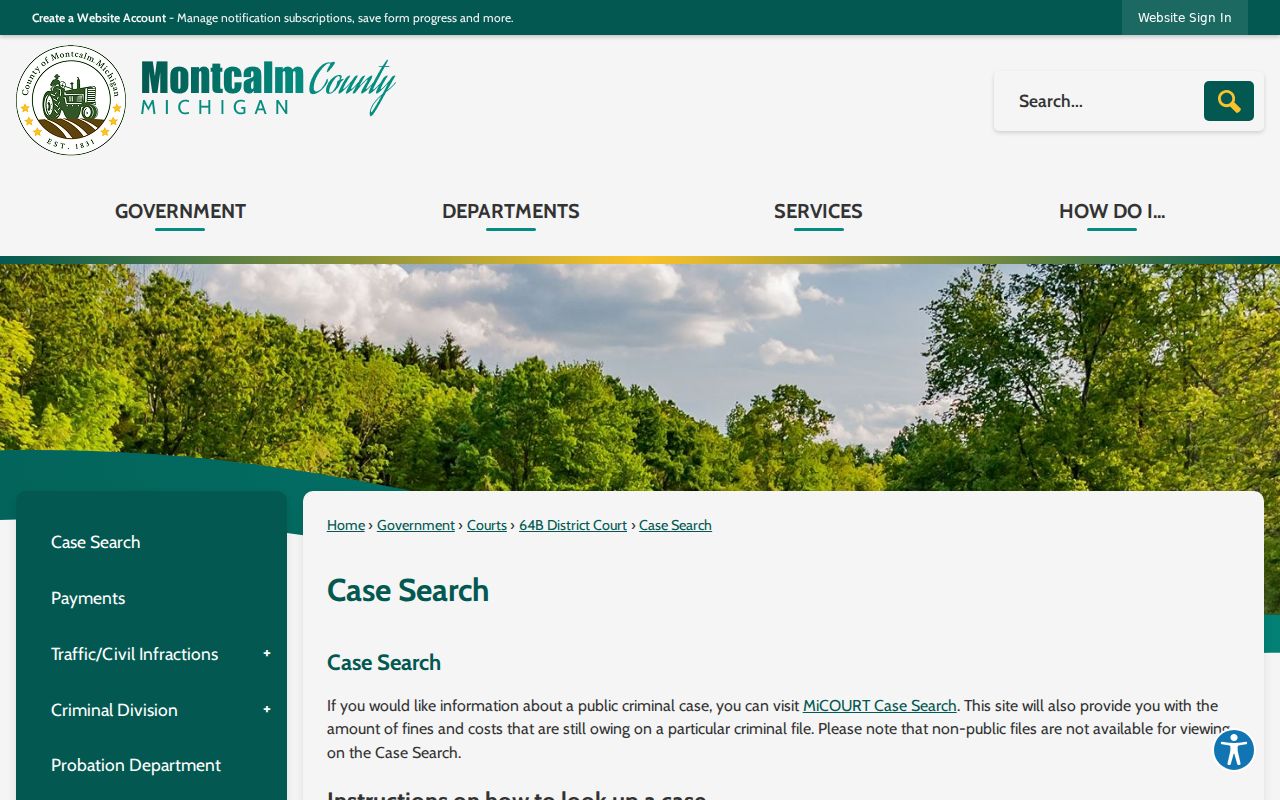
Those county instructions steer a Montcalm docket search toward the correct official public service.
Montcalm County Case Search Fields
The MiCOURT developer documentation lists a wide set of search vocabulary. Most people never see it. Terms such as full name, case number, case type, case year, filing-date range, judge, case status, public status, petition status, amount due, and amount paid all appear there. The same docs cover result limits and sorting for authorized users. None of that should be described as everyday public-screen options. A Montcalm County case lookup is different. It shows only the controls a visitor can actually see on the public screen. Treat the developer terms as background, not as buttons you should expect. The public pages load dynamically, so their exact result-row layout stays out of reach. What is safe to say? It rests on the documented form controls and the county's own instructions. Guessing would mislead. Buttons, filters, and display fields are poor ground for anyone doing a Montcalm County docket search. For the record terms themselves, there is one authority. The official MiCOURT case-search reference spells out that additional vocabulary in full.
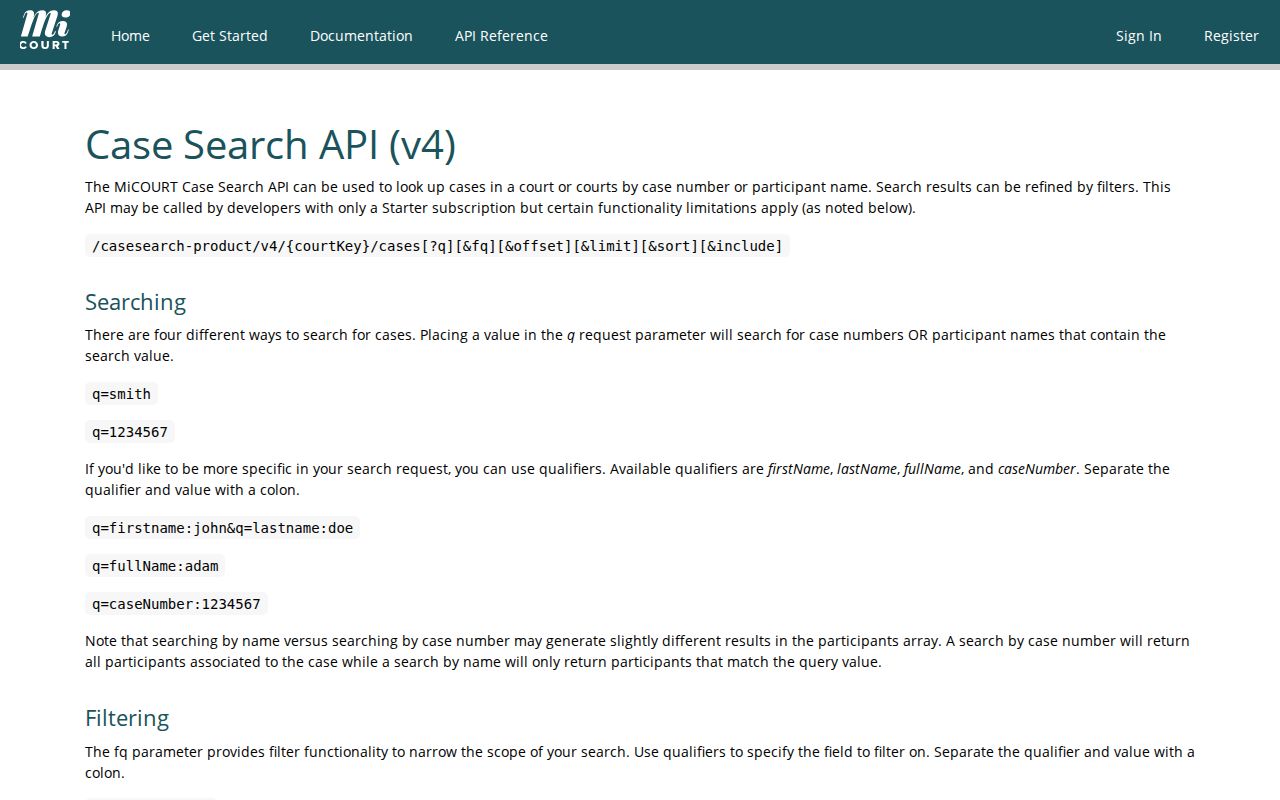
One caution: fields listed in the reference describe the system, not a guarantee that every public Montcalm search screen offers the same filters.
Montcalm County Case Search Warning
MiCOURT has posted a warning. It concerns a temporary display issue involving attempt charges under MCL 750.92. In that notice, the letter "A" stands for attempted, conspired, or solicited. Don't guess further than that. A Montcalm County docket searcher should treat the label as tentative. That holds until the court confirms it or a statute cross-reference backs it up. The same caution covers case types, docket events, and public status labels in a court docket: repeat the court's own words rather than turning them into a conclusion the record never states.
Careful notes make a case lookup worth trusting. Write down the court, the case number, the source URL, the date of the search, and any access limit you hit. Those details separate an informational search result from a clerk-issued record.
Montcalm County Case Search Routes
MiCOURT notes a limit. Some criminal conviction information may only cover a seven-year period, depending on the court and its data. Older Montcalm County court records need more. So does a result that's too thin. Both call for a direct request to the court that keeps the file. The 64B Criminal Division takes those requests. Certified court orders and registers of actions come in person, by phone, or in writing. Its number is 989-831-7450, and a Review Record / Copy Request Form is available for the asking.
Circuit files go to the Circuit Court Clerk at 639 N State Street, Stanton, or 989-831-3520. MCR 8.119 lets a person inspect a public case record and get copies. Inspection itself carries no public-access fee, though reproduction and certification charges still apply. Give the court the case number, type, year, and the exact document or event you need.
Which Cases Stay Restricted
The MiCOURT notice names the categories. Adoption, juvenile and child-protective proceedings, juvenile guardianships, mental-illness matters, name changes, PPO matters, wills, and other sensitive records all stay off public view. A blank result in a Montcalm County docket search can simply mean a rule, statute, or court order makes the file nonpublic. It does not mean no file exists. Nor must a clerk disclose a restricted record to someone with no stake in it.
The access framework comes from MCR 8.119, while MCR 1.109 shields personal identifiers in filings. Juvenile files follow their own statutory access rules. A set-aside conviction can become restricted. When a result is suppressed, ask the court which rule applies. Don't hunt the protected facts elsewhere.
Montcalm County Clerk Search Confirmation
Some situations send you back to the clerk rather than the screen. Think of a record needing certification, an older document, or a correction to a limited online result. Traffic, misdemeanor, district civil, and small-claims files all point to 64B. That is the district-court contact. The Circuit Court Clerk holds the circuit files. Probate and juvenile offices keep their own records. Their limits run tighter around juvenile and child-protective matters. Staff at any of these counters can explain the route a record takes. They cannot give legal advice.
The official Michigan courts material sets out the public-access rule.
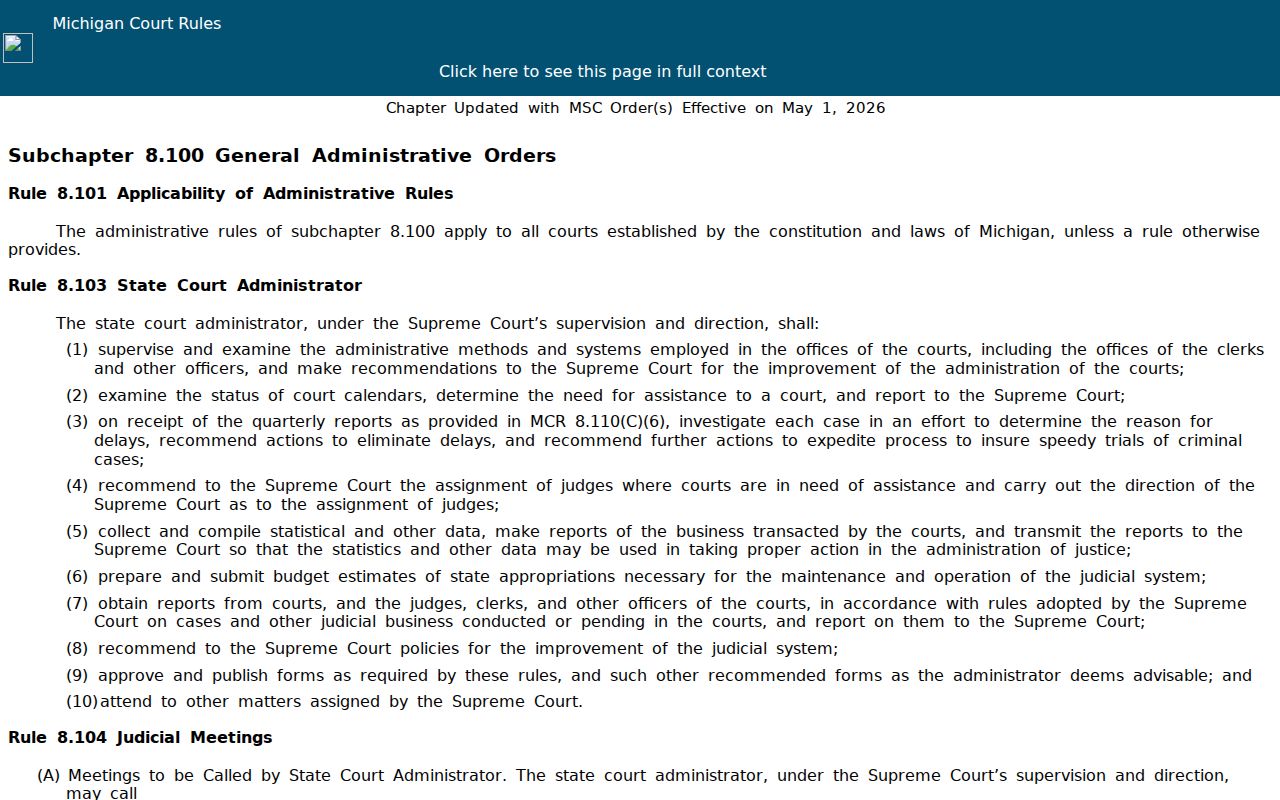
A docket search gives you a case history you can read for free. The official Montcalm County court record still lives with the clerk. Only that office can certify what the file truly says. Going from a public search to the clerk keeps those two roles straight.
When you contact the clerk about a Montcalm County court docket, bring the court selection. Bring the case number too. Leave protected identifiers out of an email or public form. They are not needed for the lookup.